Drop your wishes. Find them later.

Save gifts you actually want. Paste a link, add tags, and share your list when someone asks.

wishes saved from across the web
amazon.com
etsy.com
@friend
instagram.com
40,280 wishes saved this week
WishDrop wish list screen
👟Nike Dunk Low€180 / Style
🎧Sony WH-1000XM5€399 / Tech
🍽️Portuguese ceramic plates€120 / Home
📸Polaroid Now+€159 / Joy
🪂Skydiving certificate€280 / Adrenaline
Hario V60 + scale€85 / Coffee
01 — The argument

You already have a wish list.
It’s just scattered across
screenshots, notes, chats, and tabs.

Notes appAmazonPinterestSaved postsScreenshotsOld DMsRandom tabs
One app. WishDrop
02 — How it works

Three steps:
save, tidy, share.

01

Drop the link

Paste any URL. WishDrop pulls the photo, title, and price automatically.
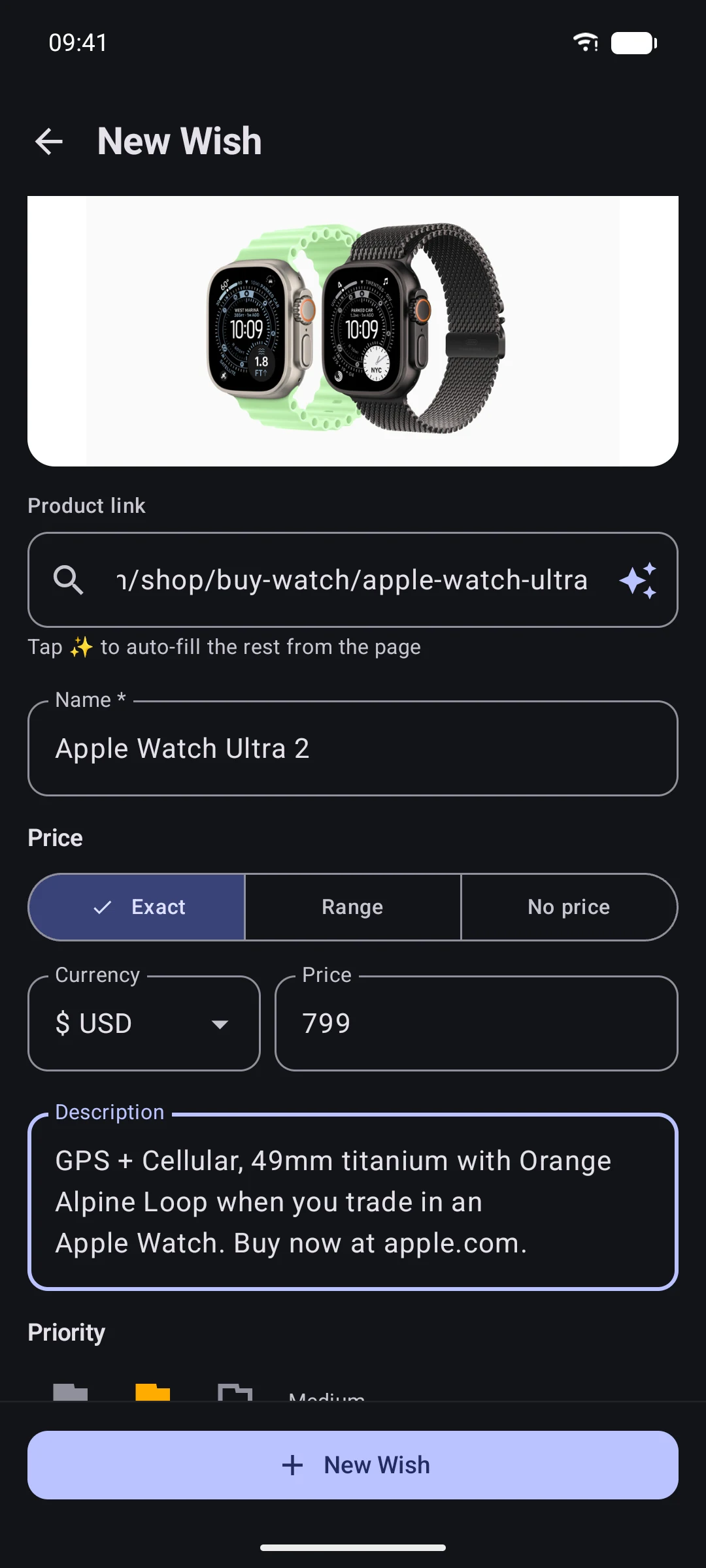
Adding a wish from a link
02

Add tags and details

Tech, travel, home, priority, private notes. Keep every saved idea easy to find.

Tagged wishes in WishDrop
03

Share the list

Send your wish list. Friends reserve gifts without spoiling the surprise.
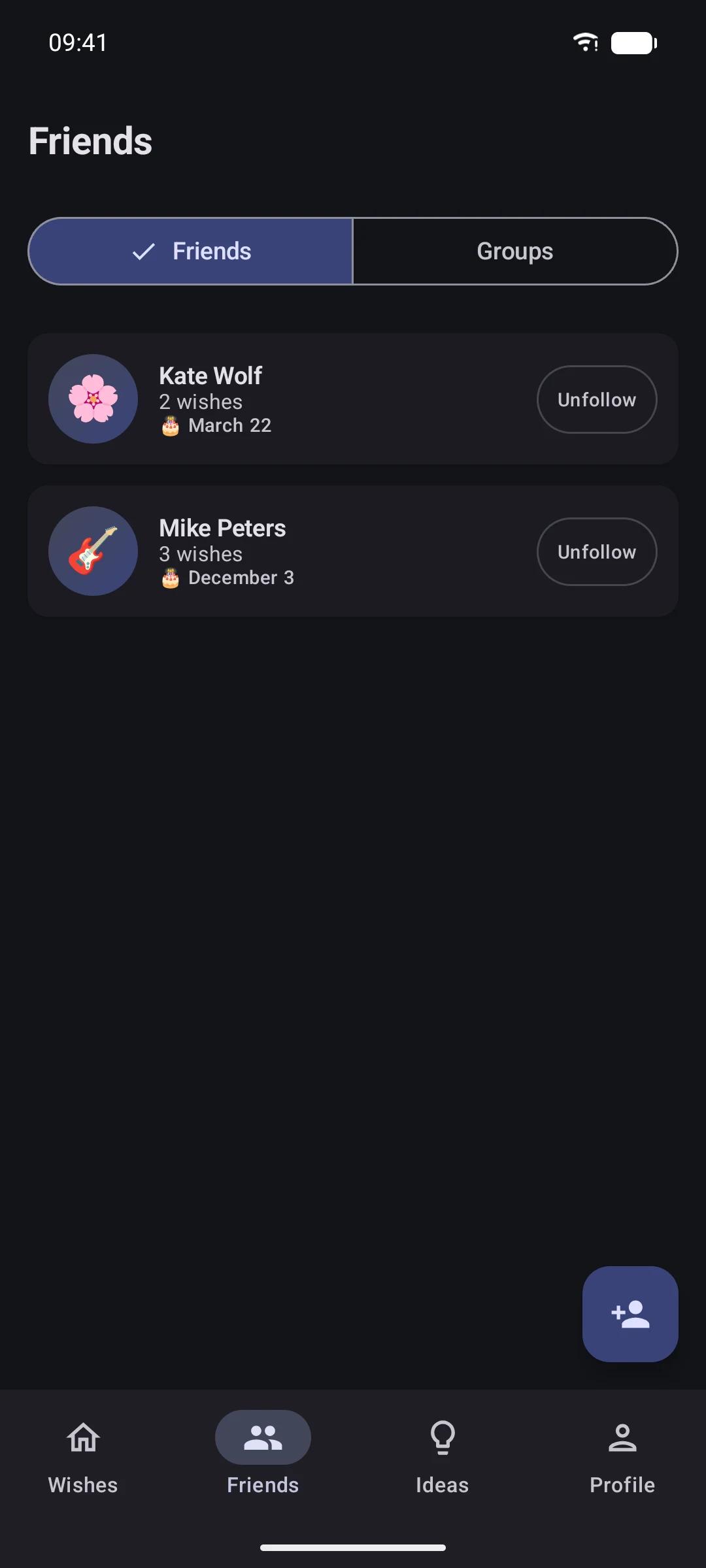
Friends in WishDrop
wishes per list
0ads, ever
7languages
<10saverage wish creation time
03 — Anti-wishlist

Say what friends should
not gift.

Add things you already own, categories you’ve left behind, or narrow themes like “sports, but no skiing”. Friends see the signal before they buy.

Specific things you already have Whole categories to skip Tiny exceptions inside a category
Gift Finder Don’t gift · 5
Not into
🎿
Sports no skiing
📚
Books no hardcovers this year
Already have
🎧 AirPods Pro 2
🍰 KitchenAid mixer

Shown only to friends when sharing is on

04 — Things it does

A wish list that does
more than remember.

🎁

Gift finder

Choose a friend and a budget. Start with wishes they already saved.

💸

Flexible prices

Add exact prices or ranges when the final number depends on size, color, or timing.

🤫

Secret reservations

Friends can reserve gifts quietly so surprises stay intact and duplicates stay away.

🔗

Shareable lists

Send one link for birthdays, weddings, holidays, or the next “what do you want?”

🏷️

Tags and priorities

Turn saved links, notes, and ideas into lists that are easy to scan.

💡

Wish ideas

Browse ideas when your own list needs a start, then save the ones that fit.

05 — Hold on

Questions you’re
maybe about to ask.